
Work With Louper Teams
Work With Louper Teams
Improve your Collaboration with Team Accounts
Our Teams feature makes it easier to collaborate on projects with your co-workers, freelance vendors and clients.
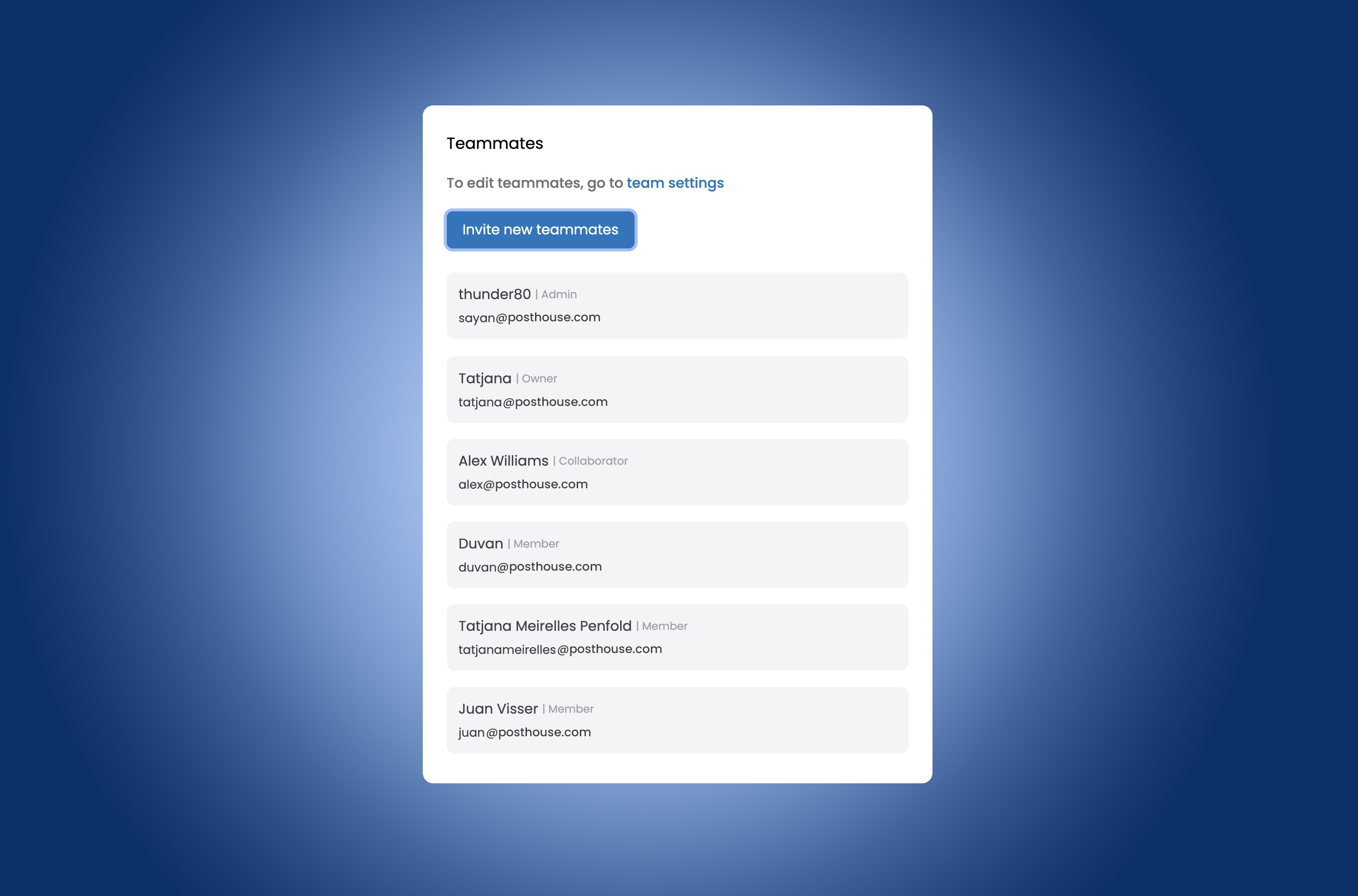
Managing a Team on Louper
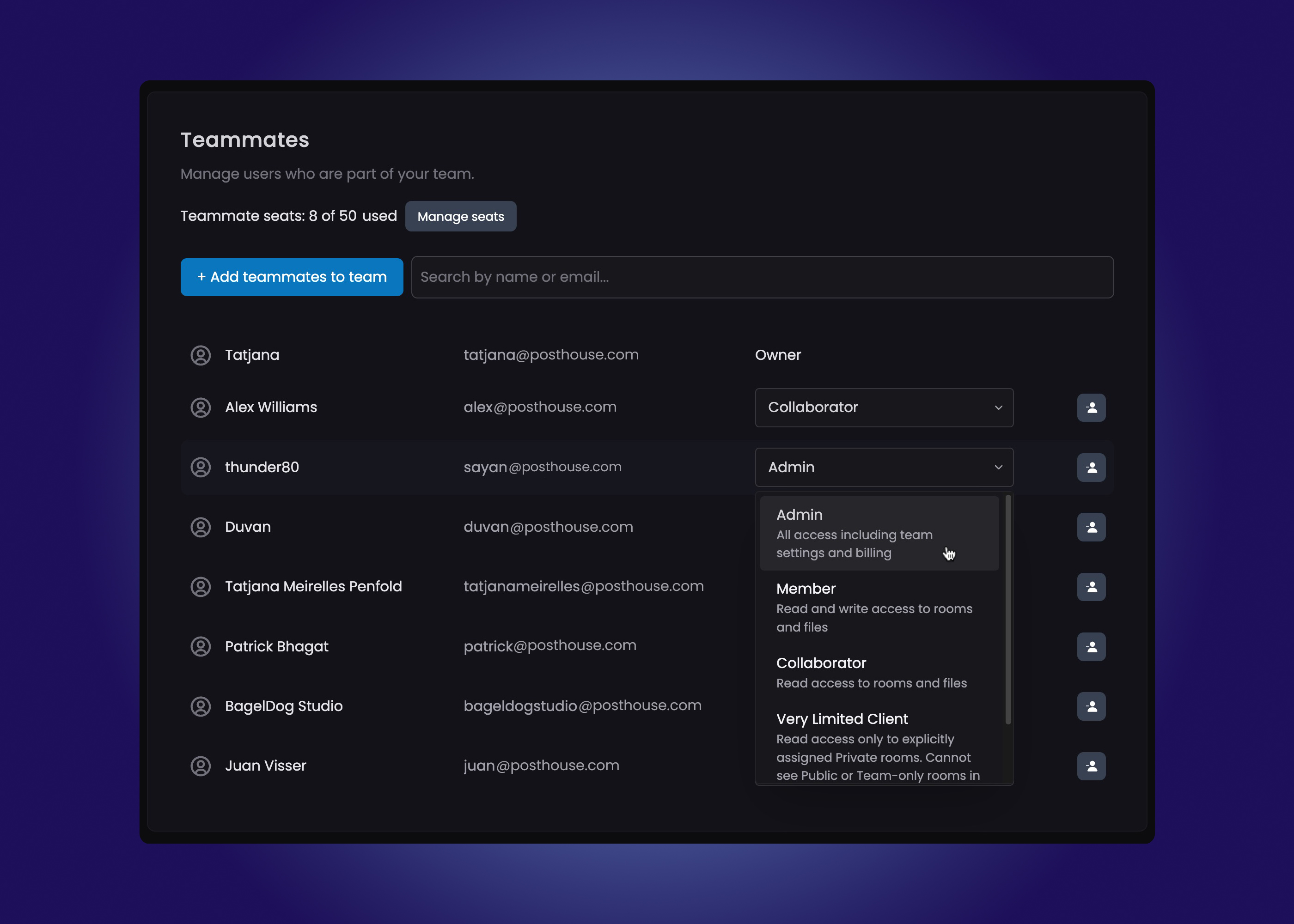
You can add users to your team and define how much access they have to the Rooms and Filespaces within your account.
For a small business, this usually involves opening a company account with an admin email address. You can then invite colleagues to join that account’s team and specify each teammate’s access and permissions.
For example:
- An editor who will be hosting sessions should be an Admin.
- An assistant editor or freelance contractor uploading files, managing Filespaces, and prepping Rooms could be a Member.
- A producer who needs oversight but is not making changes to the projects could be a Collaborator.
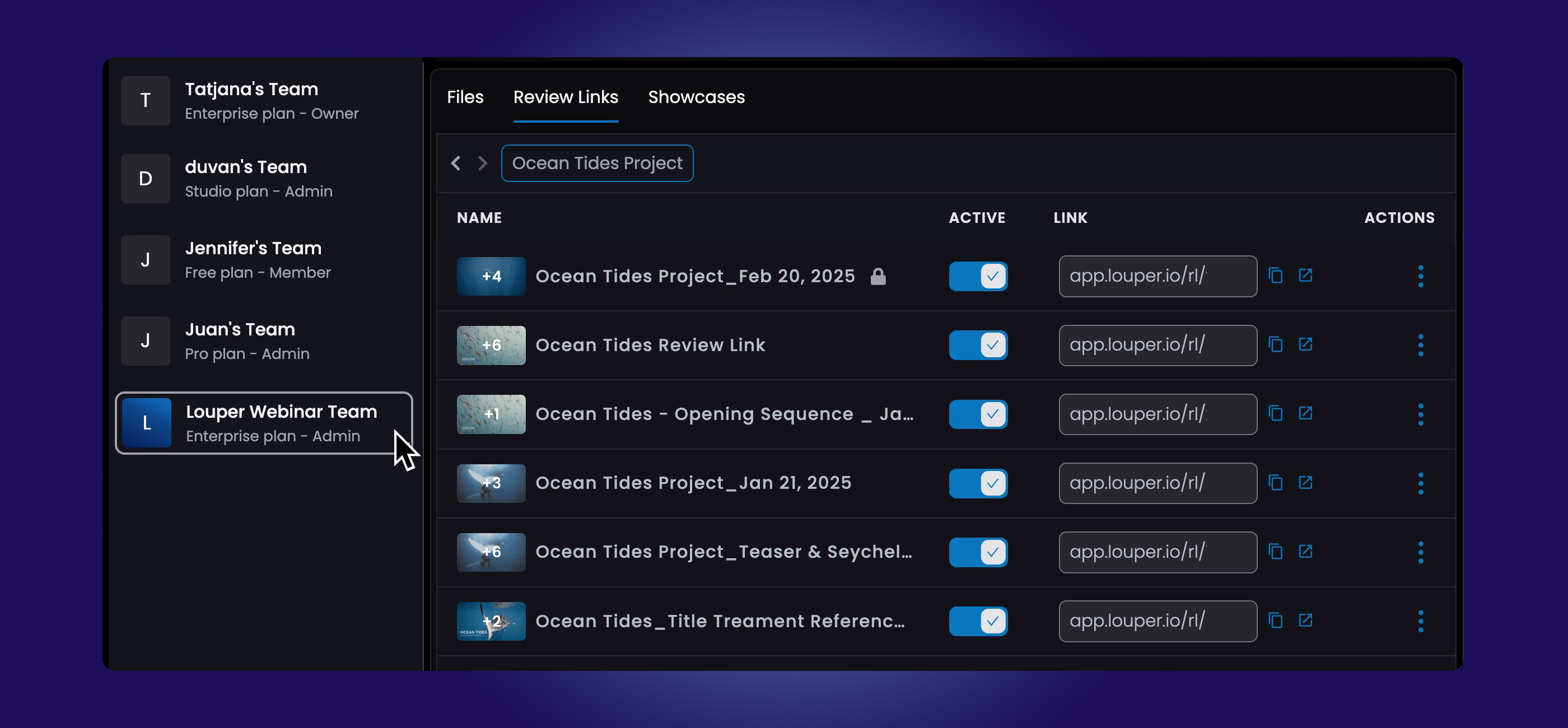
Rooms, Filespaces, Review Links and Showcases Belong to a Team
As an individual user, you are the owner of your own team, but you can be a member of multiple other teams too. All the teams you are part of will appear along the left hand side of your dashboard. Selecting a team from the list will open up that team’s dashboard, and give you access to all the Rooms, Filespaces, Review Links and Showcases that you have permission to view.
Access to Livestream Rooms and Presentation Rooms can be individually set to:
- Public : anyone can enter the room with a link and passphrase (if enabled).
- Team : all sign-in teammates can enter the room.
- Private: only specified signed-in teammates can enter the room.
Access to Filespaces (and the associated Review Links and Showcases) can be individually set to:
- Team: all signed-in teammates have access
- Private: only specified teammates have access
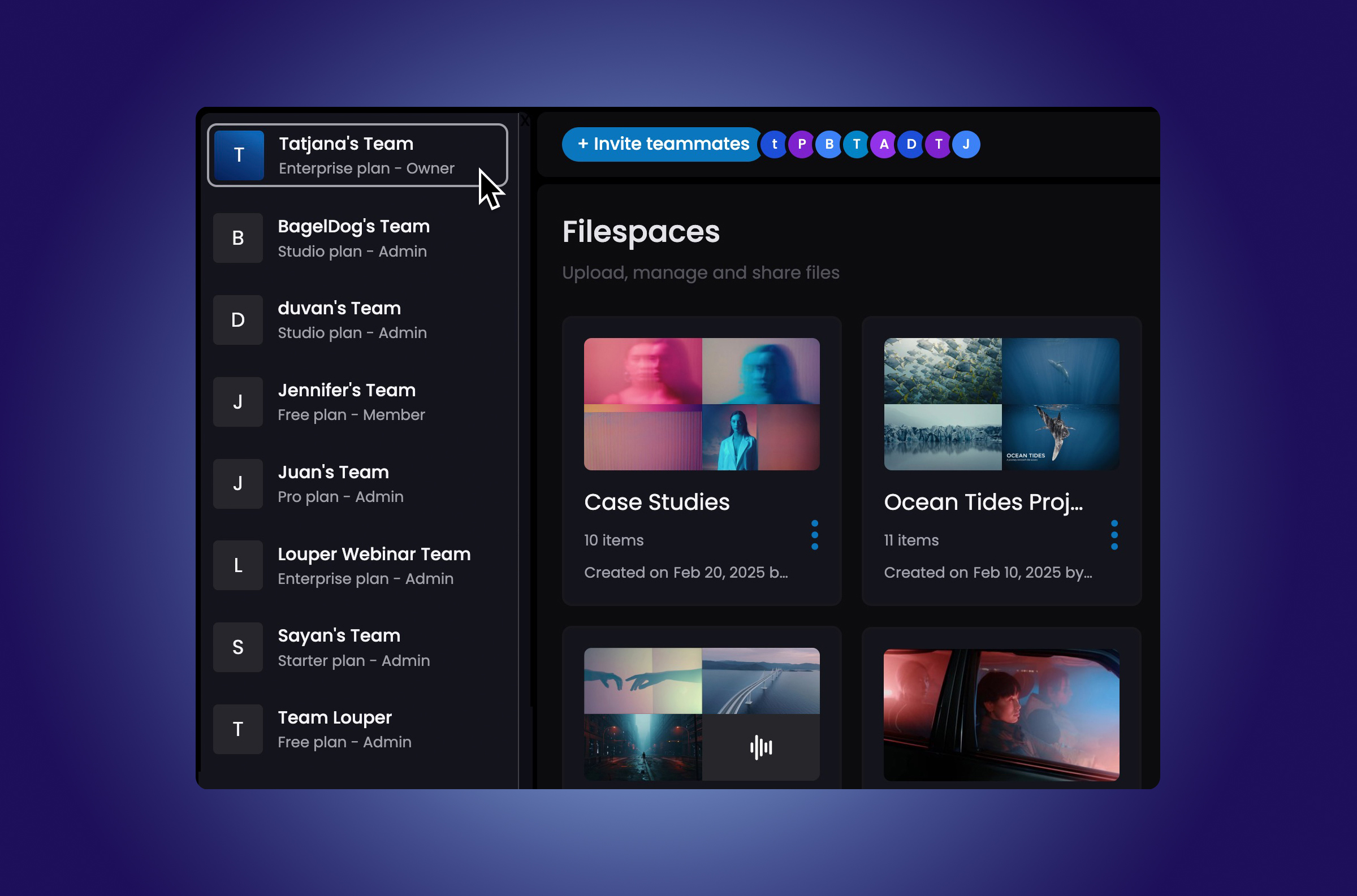
Being Part of Multiple Teams
A user on a free account can be a member of multiple teams, even if those teams are on different subscription plans. For example, a free user could be part of one team on the Studio plan and another team on the Starter plan.
The free user can access all the features of the paid tier when working within a team that is on a paid plan.
For instance, suppose Angela is a producer working on three different productions—Banana, Orange, and Grapefruit—each managed by a different vendor. Each vendor has a Louper team for their production and adds Angela as a Collaborator to their team.
When Angela signs into her Louper account, she will see three teams listed in her dashboard. Clicking on each team will give her access to that team’s Rooms, Filespaces, Review Links, and Showcases based on her permissions. Angela does not need a paid subscription to be part of these teams.
Resources and Guides
Visit our support site for step-by-step guides on how to Invite Teammates, understand Roles and Permissions and Manage your Team.
If you have specific questions around the Enterprise plan, please contact our sales team at sales@louper.io.

Use Louper to stream and collaborate on live shoots, edit sessions, vfx reviews and more - securely and in seriously high quality.

